
Opera
Opera is a free web browser for Windows from Opera Software. The stable release is 136.0.6008.22, published on 17 September 2026.
133.1 MB

Tor Browser is a free web browser from The Tor Project, based on Firefox and built for anonymity online. Version 15.0.23 is the current stable Windows release.
Average 0.0 · ratings: 0
Thank you! Your rating is saved; you can change it. Could not save the rating. Please try again later. Too many ratings from your network today. Please try again tomorrow. The average appears after 5 ratings.
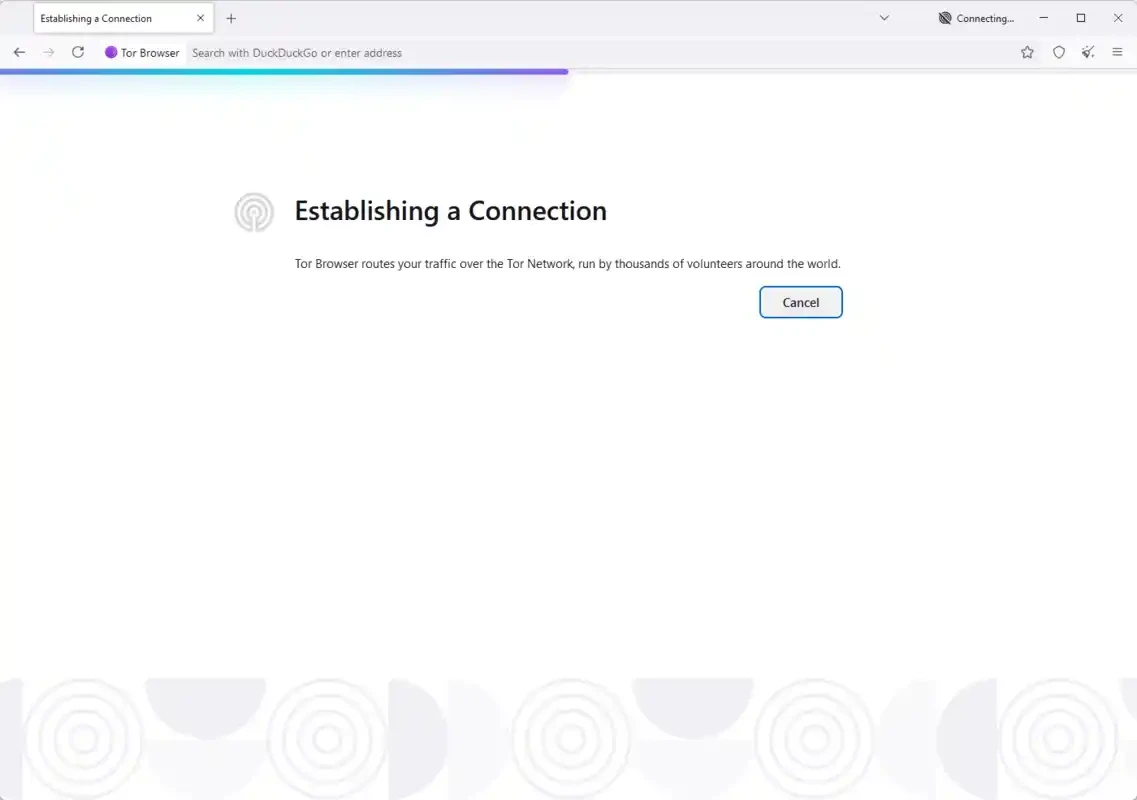
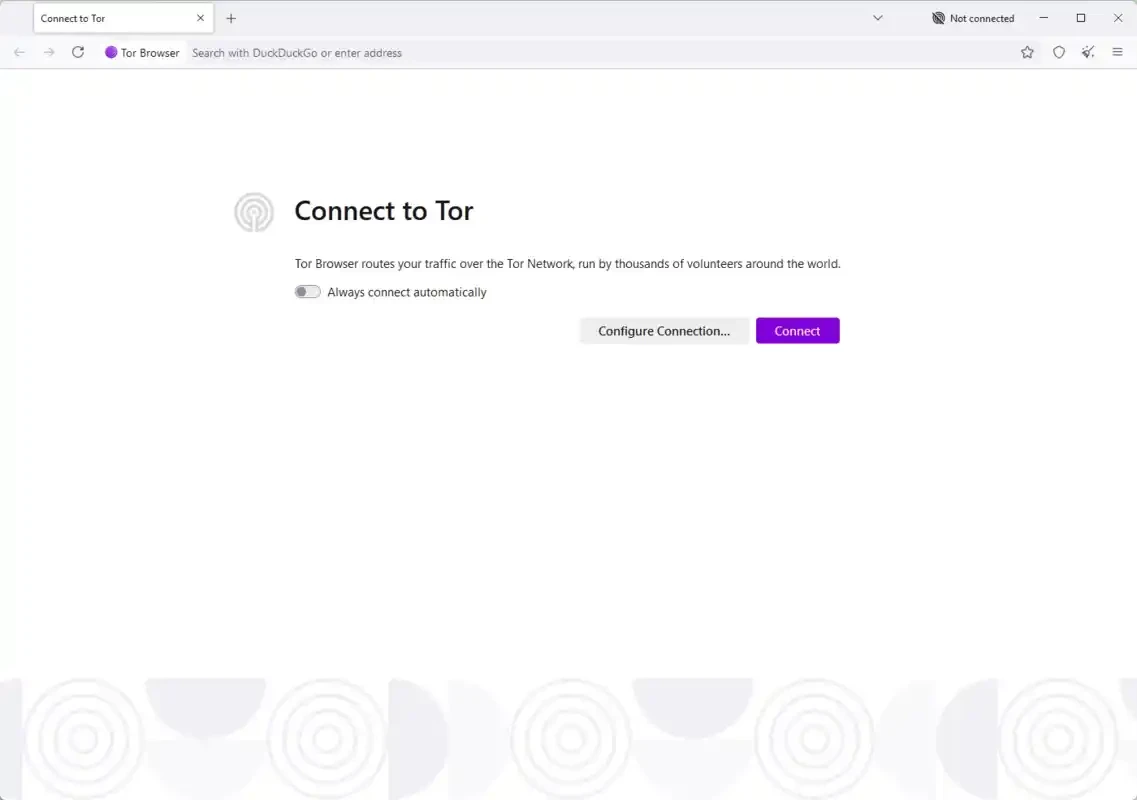
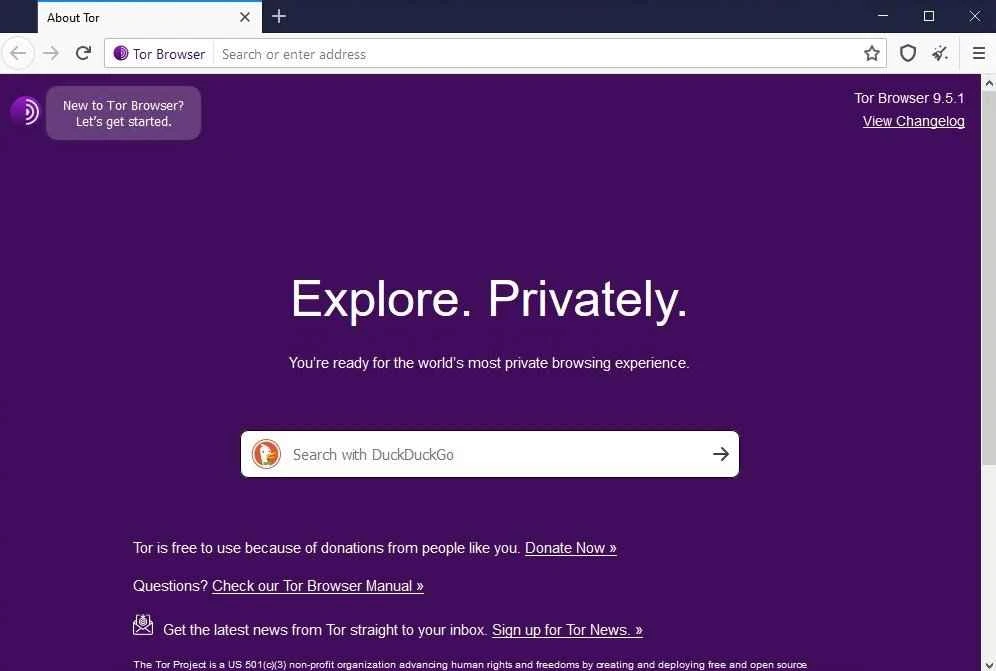
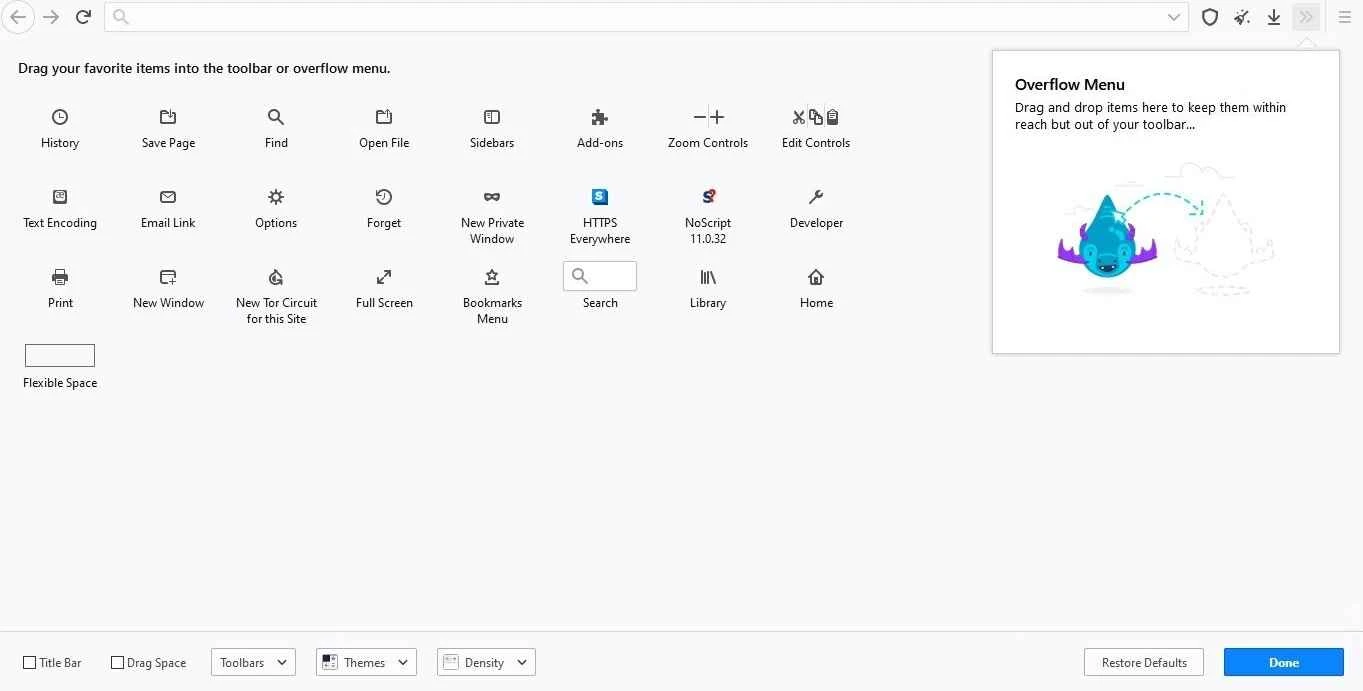
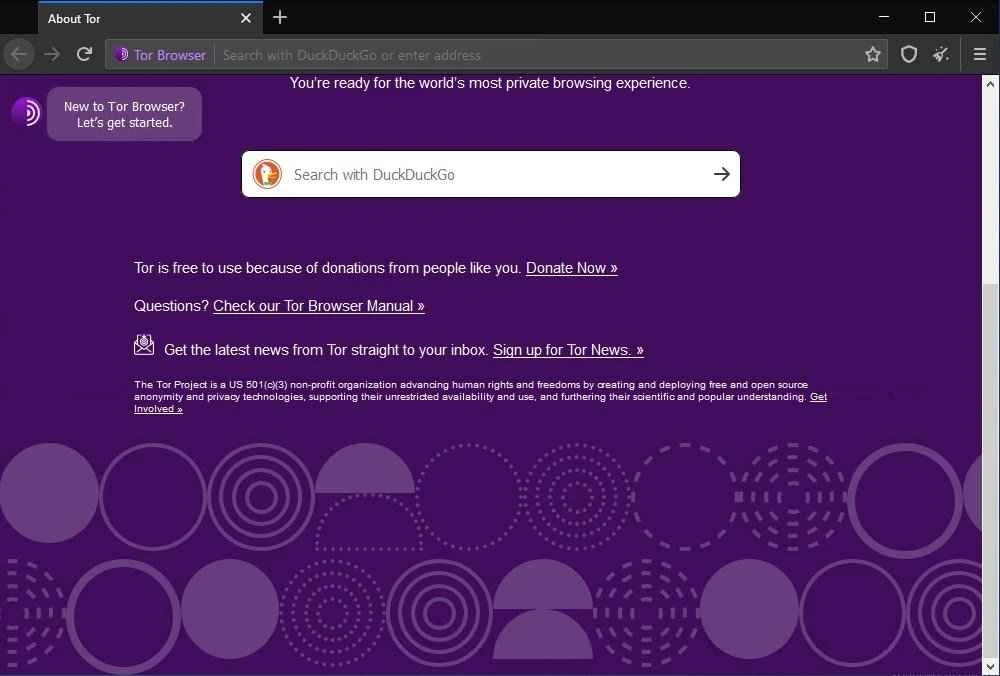
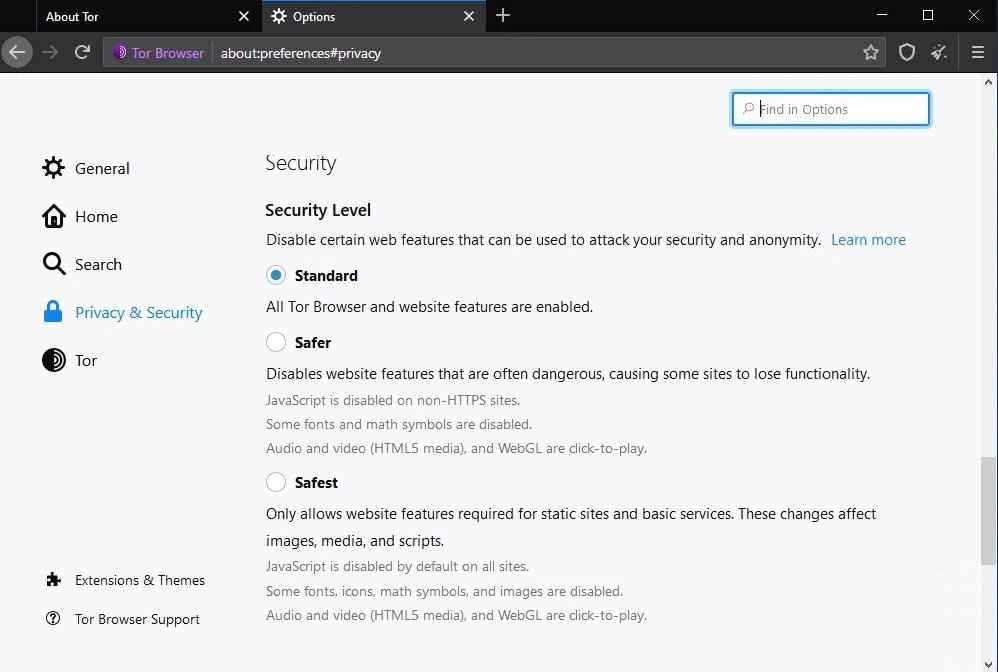
Tor Browser 15.0.23 for Windows is the current stable release of the free browser from The Tor Project, built on Mozilla Firefox and designed for anonymous browsing. Download it only from torproject.org; below are answers to the questions people ask most before installing it.
Tor Browser is a web browser that connects to the Tor network instead of going straight to the websites you open. Your traffic passes through several volunteer-run relays before it reaches the site, so the site sees the address of the last relay rather than yours, and your internet provider sees that you use Tor but not which pages you visit. The browser is based on Firefox, which makes the interface familiar, but it comes with settings tuned for privacy and resists the tricks that sites use to recognise a returning visitor. The project dates back to 2008 and is maintained by The Tor Project, a non-profit organisation. People use it to protect their privacy on public Wi-Fi, to reach sites blocked in their country, or simply to keep advertisers from building a profile of their browsing. Journalists and activists rely on it too, which is why the project releases security updates so often.
The official installation guide covers each platform.
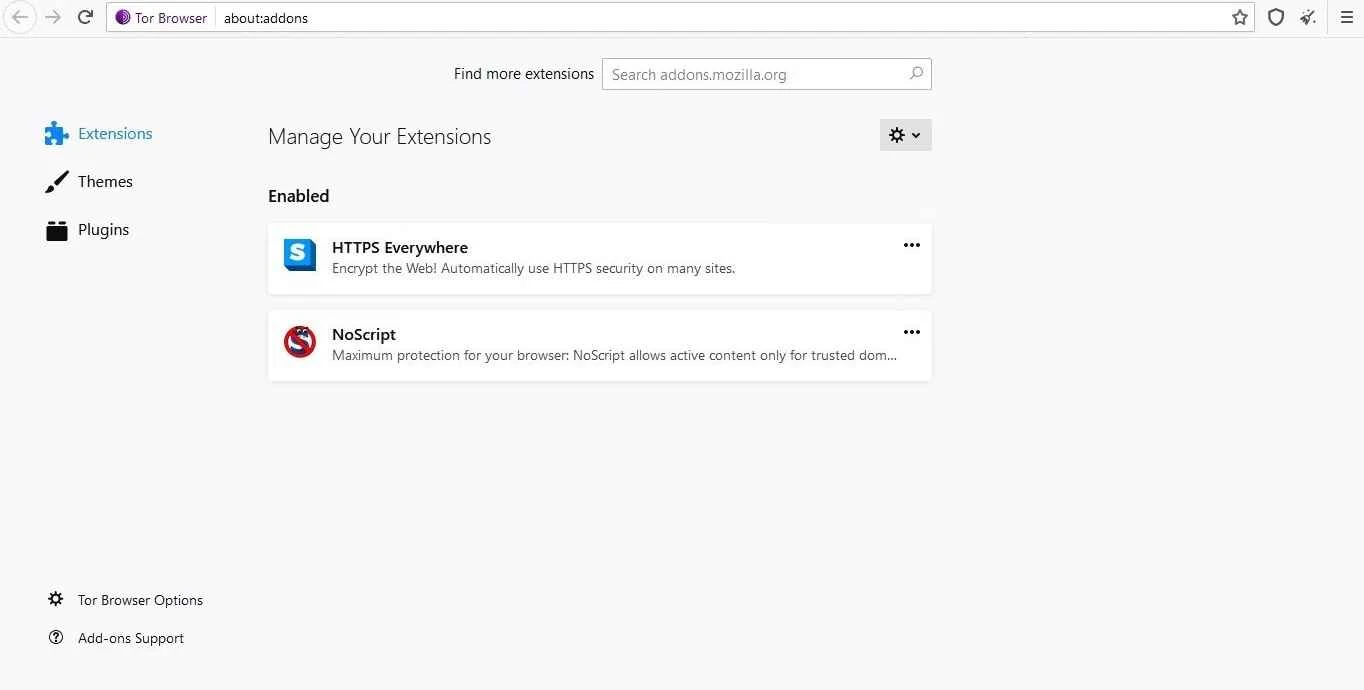
The official build is safe and open source. Fake copies are the real risk, so never take the installer from an unofficial site. Keep the browser updated, avoid installing extra add-ons that could identify you, and remember that logging in to a personal account tells that site who you are, Tor or not.
Very often. Several stable 15.0 updates came out in September 2026, and a separate alpha line tests upcoming changes. The release post for an earlier 15.0 update shows what a typical update contains.
Yes. Tor Browser is free software, released under GPL and BSD licences, with no ads or paid tier. The project is funded by donations and grants.
If you want privacy features without the Tor network, look at Mullvad Browser, Brave Browser or LibreWolf in our browser listings. For everyday browsing, Mozilla Firefox is the base Tor Browser is built on.
Opera is a free web browser for Windows from Opera Software. The stable release is 136.0.6008.22, published on 17 September 2026.

UC Browser for Windows is the desktop version of the web browser from UCWeb, a Chinese mobile internet company.

Google Translate is Google's multilingual machine translation service, used on Windows through the website and a browser extension.

Microsoft Edge is Microsoft's web browser, preinstalled on current Windows versions and available as a free download for reinstalling or updating.

Mozilla Firefox is a free and open-source web browser developed by Mozilla, available for Windows, macOS, Linux, Android and iOS.

Google Chrome is the free web browser from Google. The stable Windows release is 154.0.8037.58, out since 22 September 2026.

Cent Browser is a free Chromium-based browser for Windows from Cent Studio that adds mouse gestures, tab tweaks and other power-user options.